How to Build a "Tools I Use" Page That Converts: Affiliate Hub Guide for Creators (2026)
Most creators leak affiliate revenue with random links scattered across captions and bios. A dedicated "Tools I Use" page turns scattered trust into a high-converting affiliate hub.
Most creators already recommend tools. They mention their camera in a video, drop a favorite app in a Story, paste a course link in a Discord message and add a "swipe up" to a new gadget. Those recommendations are quietly building a six-figure asset — and most creators do nothing with them.
Instead, affiliate links end up scattered across captions, comments, bios, replies and DMs. They expire. They break. Nobody can find them next week. Trust gets converted into a click, and that click goes nowhere measurable.
A dedicated "Tools I Use" page changes that. It collects every product you recommend in one organized, premium-looking hub. It builds context. It builds trust. It builds conversion. And with the right setup it becomes the highest-EPC link in your entire creator funnel.
This guide shows you exactly how to design that page — what to include, where to place it, how to write CTAs that don't feel salesy, and how to turn it into a real creator affiliate hub with Vyntree.
What Is a "Tools I Use" Page?
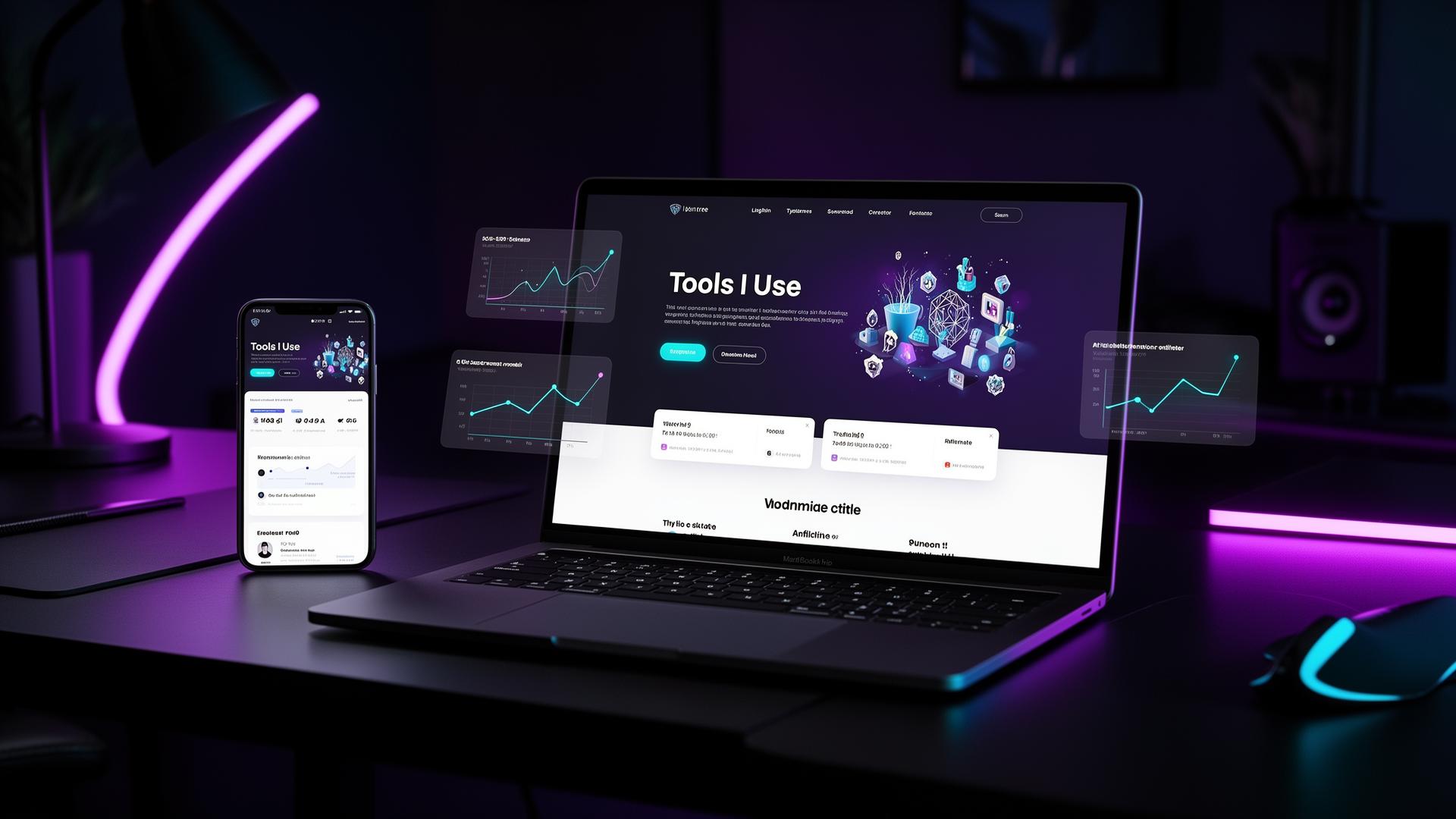
A "Tools I Use" page is a dedicated creator page that lists the products, software, services or resources you personally recommend — usually with affiliate links and a short reason for each one.
It is not a random affiliate dump. It is curated. It feels like a creator saying: *"these are the things I actually use to run my work."* That positioning is what makes it convert 3–10× better than the same links pasted into a caption.
Almost every niche has a version of this page:
- Creator tools — cameras, mics, lighting, editing software
- Fitness products — supplements, gear, programs, apps
- AI tools — writing, automation, prompt packs, SaaS
- Newsletter tools — ESPs, growth platforms, monetization
- Design tools — Figma plugins, fonts, templates, illustration apps
- Business tools — bookkeeping, payments, invoicing, legal
- Productivity tools — note-taking, task managers, calendars
The format works because the visitor has already chosen to click through. They are not scrolling past your content. They came looking for a recommendation. That intent is gold — and you only need to give them context, structure and a clear next step. The deeper logic of why this works lives in our affiliate marketing learn path and the creator hub glossary entry.
Why "Tools I Use" Pages Convert Better Than Random Links
Scattered affiliate links convert badly for three reasons: no context, no organization, and no trust signal. A "Tools I Use" page fixes all three at once.
Context matters because affiliate links live or die on intent. A link in a caption is interrupting. A link on a "tools I use" page is *expected*. The visitor self-selected — they want recommendations. That single shift in framing dramatically improves click-through rate.
Organization matters because a wall of 40 random links produces decision paralysis. Group them into 4–6 clean categories and visitors actually start clicking. Most creators see CTR jump just from adding category headers.
Trust matters because affiliate links can feel spammy. A dedicated page with a short disclosure, a personal intro, and "why I use this" copy below each tool feels generous instead of grabby. It signals social proof without screaming it.
Here is the conversion stack a good page unlocks:
- higher click intent — visitors arrive ready to click
- higher click-through rate — context drives action
- higher conversion on the merchant side — pre-qualified traffic buys more
- higher EPC — every metric compounds
- higher trust — the page itself becomes a brand asset
Random link in a caption: maybe 1–2% CTR, ~1% conversion. The same link on a well-built tools page: 8–15% CTR, 3–6% conversion. Same audience. Different surface area.
The Anatomy of a High-Converting Affiliate Hub
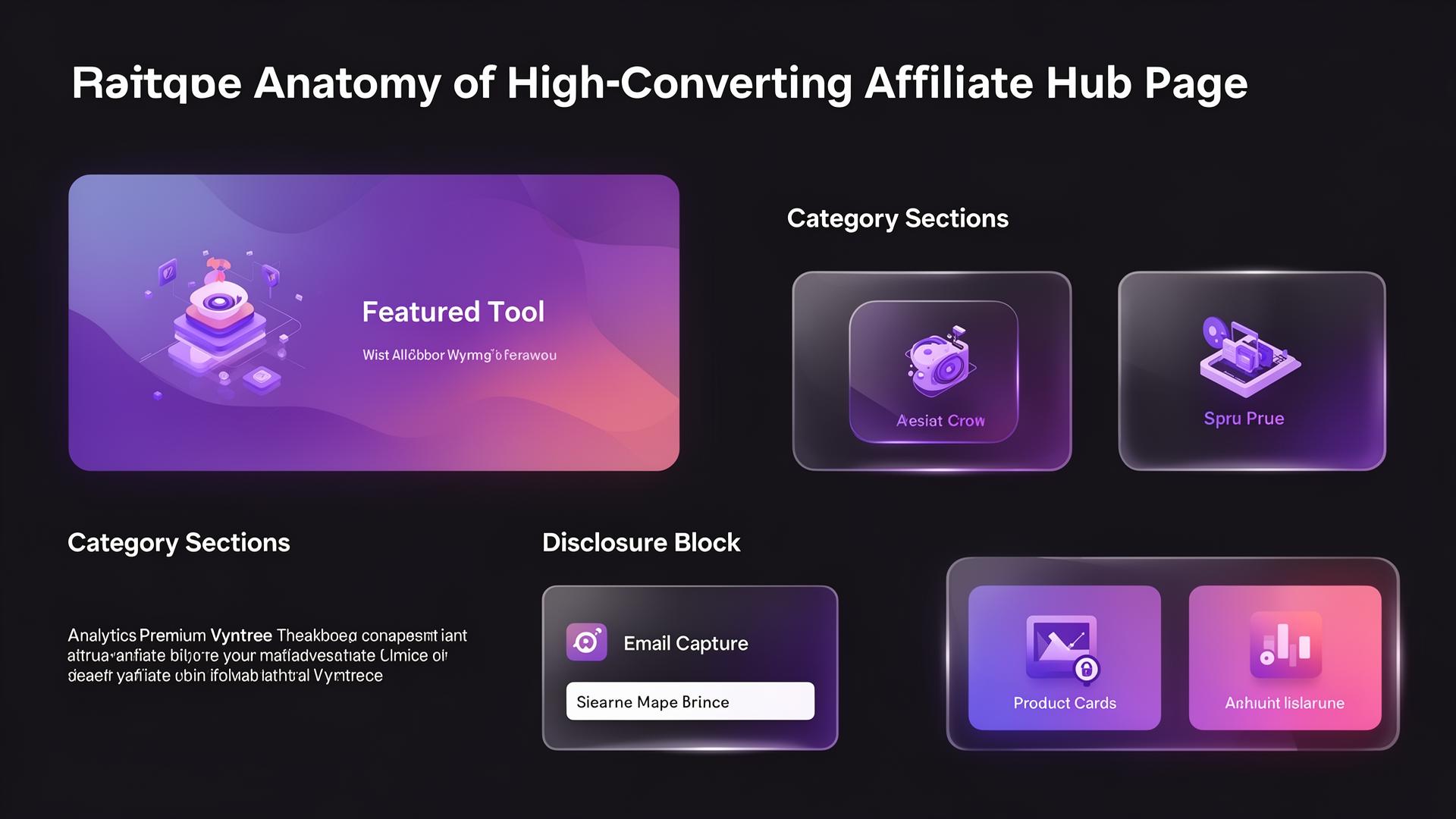
A great affiliate hub is not just a list. It is a small, deliberate funnel: hero → featured tool → categories → product cards → CTA → email capture → analytics. Every section does one job.
Use this structure as a template:
1. Clear headline — name the page like a creator, not a corporation 2. Short trust-based intro — one sentence about why these tools made the cut 3. Featured recommendation — the one tool you'd recommend even without commission 4. Product categories — 4–6 themed groups 5. Product cards — name, image, 1-line "why", CTA button 6. Affiliate disclosure — short, friendly, near the top 7. CTA buttons — action verbs, not "buy now" 8. Email capture or lead magnet — for visitors who aren't ready 9. Click tracking — so you know what actually performs 10. Update cadence — quarterly review removes dead links
| Section | Purpose | Example | Conversion Tip |
|---|---|---|---|
| Hero headline | Set expectation + tone | "My favorite creator tools" | Use first person, not "Resources" |
| Featured tool | Anchor the page | "If you only try one thing, try this" | Lead with your highest-trust pick |
| Category sections | Reduce decision fatigue | Content / Business / AI / Free | Max 4–6 categories |
| Product cards | Drive the actual click | Logo, 1-line why, CTA | Keep "why" under 25 words |
| Disclosure | Build trust | "Some links are affiliate" | Place near top, not buried |
| Email capture | Capture non-buyers | "Get my full stack PDF" | Offer a useful asset, not a newsletter |
| Analytics | Inform next iteration | Clicks, CTR, top tools | Review monthly, prune quarterly |
Section
Hero headline
Purpose
Set expectation + tone
Example
"My favorite creator tools"
Conversion Tip
Use first person, not "Resources"
Section
Featured tool
Purpose
Anchor the page
Example
"If you only try one thing, try this"
Conversion Tip
Lead with your highest-trust pick
Section
Category sections
Purpose
Reduce decision fatigue
Example
Content / Business / AI / Free
Conversion Tip
Max 4–6 categories
Section
Product cards
Purpose
Drive the actual click
Example
Logo, 1-line why, CTA
Conversion Tip
Keep "why" under 25 words
Section
Disclosure
Purpose
Build trust
Example
"Some links are affiliate"
Conversion Tip
Place near top, not buried
Section
Email capture
Purpose
Capture non-buyers
Example
"Get my full stack PDF"
Conversion Tip
Offer a useful asset, not a newsletter
Section
Analytics
Purpose
Inform next iteration
Example
Clicks, CTR, top tools
Conversion Tip
Review monthly, prune quarterly
If you only have 30 minutes to ship v1, skip the perfect copy and ship the structure. Structure converts more than polish.
Best Affiliate Link Placements for Creators
Affiliate income is partially a function of *where* the link sits. The same product in a different placement can 10× or 0.1× depending on the surface. Smart creators don't put all their links in one place — they layer placements that catch different intent levels.
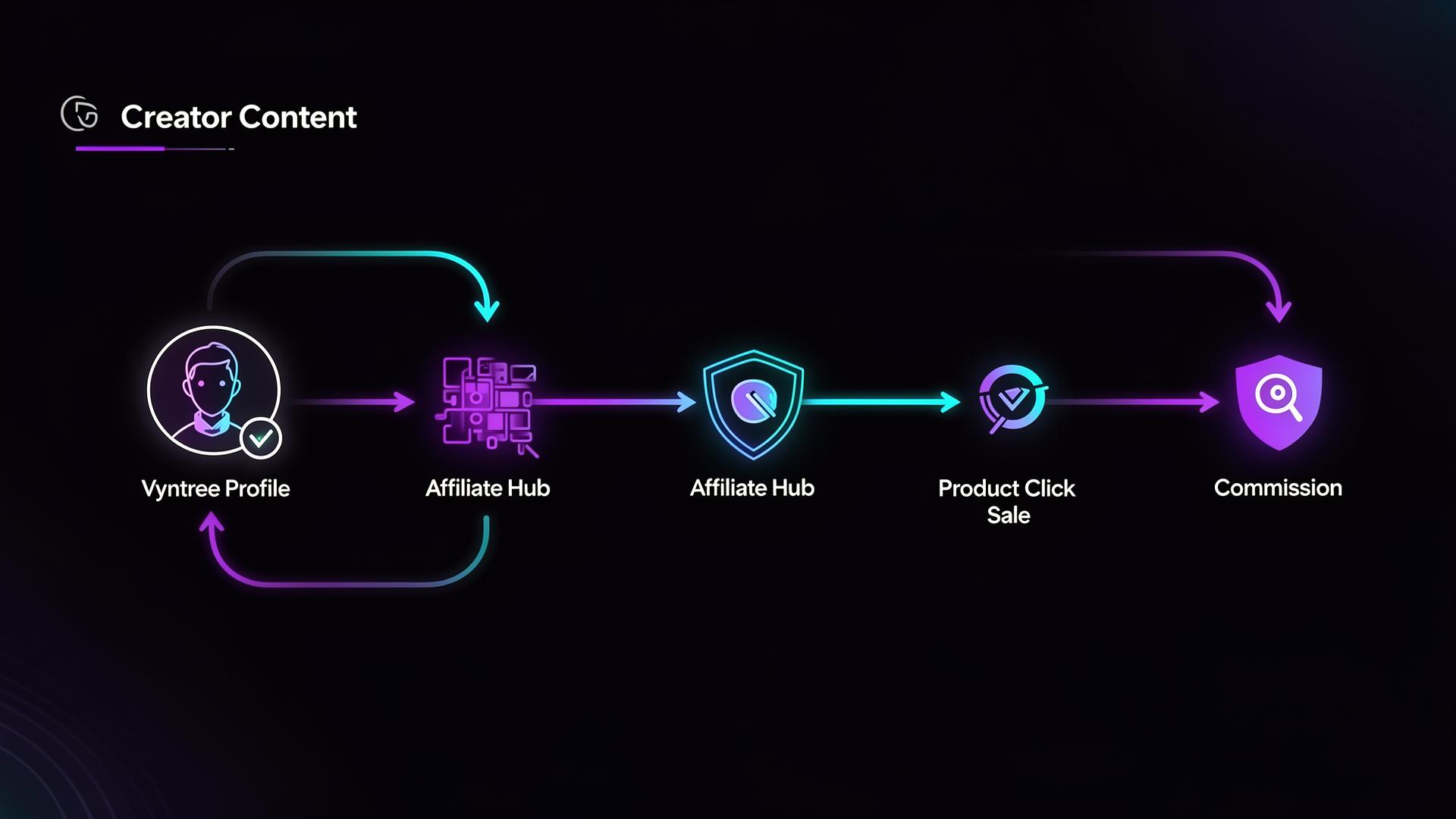
The link-in-bio captures discovery traffic. The Tools I Use page captures intent. The newsletter captures repeat trust. YouTube descriptions capture searchers. Layered correctly, every channel sends to the next one, and the affiliate hub compounds traffic from all of them.
| Placement | Best For | Strength | Weakness | Vyntree Use Case |
|---|---|---|---|---|
| Link in bio | Social discovery traffic | Highest visibility | One-size-fits-all | Anchor your Vyntree profile |
| Tools I Use page | High-intent visitors | Best conversion | Needs traffic source | Premium block on your Vyntree |
| YouTube description | Searchers + tutorial viewers | Long shelf-life | Below the fold | Pin a Vyntree link in pinned comment |
| Newsletter | Warmest audience | Highest trust | Needs an audience | Embed link inside email signature |
| Blog post | SEO traffic | Compounds for years | Slow to start | Use Vyntree shortlinks for tracking |
| Product page | Buyers researching | Bottom-of-funnel | Narrow audience | Cross-link to related tools |
| Community post | Engaged super-fans | High conversion | Limited reach | Drop hub link in welcome posts |
Placement
Link in bio
Best For
Social discovery traffic
Strength
Highest visibility
Weakness
One-size-fits-all
Vyntree Use Case
Anchor your Vyntree profile
Placement
Tools I Use page
Best For
High-intent visitors
Strength
Best conversion
Weakness
Needs traffic source
Vyntree Use Case
Premium block on your Vyntree
Placement
YouTube description
Best For
Searchers + tutorial viewers
Strength
Long shelf-life
Weakness
Below the fold
Vyntree Use Case
Pin a Vyntree link in pinned comment
Placement
Newsletter
Best For
Warmest audience
Strength
Highest trust
Weakness
Needs an audience
Vyntree Use Case
Embed link inside email signature
Placement
Blog post
Best For
SEO traffic
Strength
Compounds for years
Weakness
Slow to start
Vyntree Use Case
Use Vyntree shortlinks for tracking
Placement
Product page
Best For
Buyers researching
Strength
Bottom-of-funnel
Weakness
Narrow audience
Vyntree Use Case
Cross-link to related tools
Placement
Community post
Best For
Engaged super-fans
Strength
High conversion
Weakness
Limited reach
Vyntree Use Case
Drop hub link in welcome posts
The single highest-leverage move most creators ignore: put your bio link → Vyntree profile → Tools I Use page in the exact same place across every platform. One traffic source at a time, every channel funnels into the same hub.
What Products Should Creators Add to a Tools Page?
The fastest way to sabotage a Tools I Use page is to add products you don't actually use. Audiences smell it instantly. The right products fit five filters: your niche, your audience, your content style, your real experience, and your audience's pain points.
If a product fails any of those filters, leave it off — even if the commission is great. A bad recommendation costs you trust forever; a missed commission costs you one month.
| Creator Niche | Recommended Product Types | Best Affiliate Angle | Example CTA |
|---|---|---|---|
| Fitness creator | Supplements, gear, meal planners, fitness apps | "What I actually train with" | See my training stack |
| UGC creator | Camera gear, lighting, editing tools, portfolio platforms | "What I shoot UGC with" | View my UGC kit |
| AI creator | AI tools, automation platforms, prompt packs, SaaS | "What's in my AI workflow" | Try the tool |
| Newsletter creator | Email tools, writing tools, sponsorship platforms | "What I use to write & grow" | Start free |
| Freelancer | Project tools, invoicing, design, productivity | "My full client-work stack" | See why I switched |
| Coach | Course platforms, scheduling, video, payments | "How I run my coaching business" | Get the discount |
| Streamer | Cameras, mics, OBS plugins, stream decks | "My streaming setup" | View my setup |
Creator Niche
Fitness creator
Recommended Product Types
Supplements, gear, meal planners, fitness apps
Best Affiliate Angle
"What I actually train with"
Example CTA
See my training stack
Creator Niche
UGC creator
Recommended Product Types
Camera gear, lighting, editing tools, portfolio platforms
Best Affiliate Angle
"What I shoot UGC with"
Example CTA
View my UGC kit
Creator Niche
AI creator
Recommended Product Types
AI tools, automation platforms, prompt packs, SaaS
Best Affiliate Angle
"What's in my AI workflow"
Example CTA
Try the tool
Creator Niche
Newsletter creator
Recommended Product Types
Email tools, writing tools, sponsorship platforms
Best Affiliate Angle
"What I use to write & grow"
Example CTA
Start free
Creator Niche
Freelancer
Recommended Product Types
Project tools, invoicing, design, productivity
Best Affiliate Angle
"My full client-work stack"
Example CTA
See why I switched
Creator Niche
Coach
Recommended Product Types
Course platforms, scheduling, video, payments
Best Affiliate Angle
"How I run my coaching business"
Example CTA
Get the discount
Creator Niche
Streamer
Recommended Product Types
Cameras, mics, OBS plugins, stream decks
Best Affiliate Angle
"My streaming setup"
Example CTA
View my setup
Pick 8–20 tools across 4–6 categories for v1. You can always add more. A page with fewer, better-curated picks always outperforms a sprawling resource list.
Affiliate Disclosure: Why Trust Matters
Disclosure is non-negotiable — legally in most regions, and ethically everywhere. But disclosure done well does not hurt conversion. It often *helps*, because transparency increases trust.
Hide your affiliate relationships and audiences feel manipulated. Disclose them openly and audiences feel respected. The same recommendation, two different outcomes.
Use a short, friendly line at the top of your Tools I Use page:
This page may contain affiliate links. If you buy through my links, I may earn a commission at no extra cost to you. I only recommend tools I genuinely use or believe are useful.
That single sentence covers FTC, ASA and most EU requirements while feeling human. Add it once near the top, optionally repeat near a featured product. You do not need a disclosure on every line — but you do need it visible without scrolling. For more on the link mechanics behind this, see affiliate link and affiliate commission.
How to Write Better Affiliate CTAs
"Buy now" is a CTA that screams *I want your money*. Creators win with CTAs that match *visitor intent*. Most people on a Tools I Use page are researching, not purchasing — so the CTA should invite exploration, not demand commitment.
Action verbs beat generic verbs. Specificity beats vagueness. Curiosity beats pressure. Test 2–3 variants per high-traffic card.
| Weak CTA | Better CTA | Why It Works |
|---|---|---|
| Buy now | Try the tool | Lower commitment, invites exploration |
| Click here | See my setup | Promises specific payoff |
| Check this out | View why I use it | Personal endorsement |
| Learn more | Start free | Removes price objection |
| Get started | Get the discount | Adds a clear benefit |
| Visit website | Compare options | Matches research intent |
| Sign up | Explore the tool | Sounds like a low-commitment look |
Weak CTA
Buy now
Better CTA
Try the tool
Why It Works
Lower commitment, invites exploration
Weak CTA
Click here
Better CTA
See my setup
Why It Works
Promises specific payoff
Weak CTA
Check this out
Better CTA
View why I use it
Why It Works
Personal endorsement
Weak CTA
Learn more
Better CTA
Start free
Why It Works
Removes price objection
Weak CTA
Get started
Better CTA
Get the discount
Why It Works
Adds a clear benefit
Weak CTA
Visit website
Better CTA
Compare options
Why It Works
Matches research intent
Weak CTA
Sign up
Better CTA
Explore the tool
Why It Works
Sounds like a low-commitment look
Match the CTA to the product type: SaaS gets "start free", physical gear gets "see why I use it", a discount gets "get the discount". Boring CTAs are an easy 10–20% conversion lift.
How to Track Affiliate Link Performance
You cannot improve what you cannot measure. Most creators have no idea which of their affiliate links actually convert — which means they optimize blind. Tracking turns guessing into compounding.
At minimum, track: clicks per link, top links, traffic sources, device split, country split, time of day, and an EPC estimate. With those seven numbers you can prune underperformers, double down on winners, and re-pitch merchants for higher commissions.
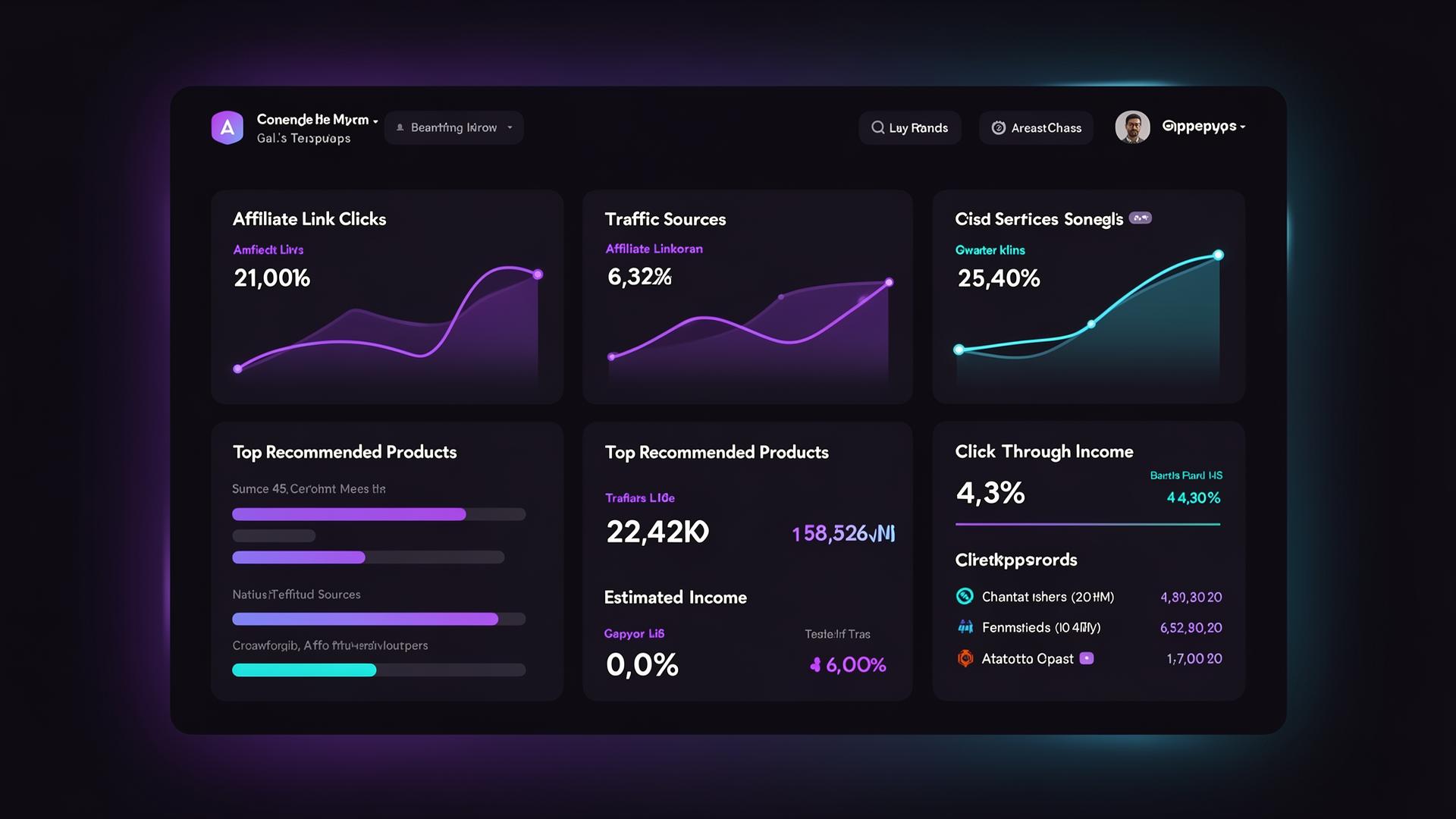
Vyntree analytics surfaces this directly on your profile: which tools get clicked, where the traffic comes from, and how each link contributes to your attribution picture. Pair that with EPC and the affiliate income benchmarks below to know if you're under-monetized.
For category context, see the affiliate income benchmarks 2026 report and the click-through rate entry.
Common Mistakes That Kill Affiliate Conversions
If your Tools I Use page is live but underperforming, work through this checklist before adding more products. Most of the lift is in fixing what's already there.
- Too many random links — cut anything under 5 clicks per month
- No explanation per product — add a one-line "why I use it"
- Promoting low-trust products — only recommend what you genuinely use
- No disclosure — add one near the top, today
- No tracking — you cannot optimize blind
- No categories — group into 4–6 themes
- No featured recommendation — pick a hero tool and anchor the page
- No email capture — non-buyers should still convert into subscribers
- No clear CTA — replace "click here" with action verbs
- Not updating old links — review quarterly, kill broken affiliates
Run through this list once a quarter. The cost is 30 minutes; the upside is usually 2–3× revenue from the same traffic.
How to Build a "Tools I Use" Page With Vyntree
Vyntree was built so creators can spin up a premium affiliate hub without touching code, hosting, or a website builder. You get featured blocks, product cards, category sections, click analytics and email capture in one profile.
Recommended setup:
1. Create your [Vyntree profile](/signup) — claim your handle in 30 seconds 2. Add a featured affiliate block — one hero tool above the fold 3. Group affiliate links by category — 4–6 themed sections 4. Add short descriptions — one line per product, why you recommend it 5. Add your disclosure — friendly, near the top 6. Turn on click tracking — see what actually converts 7. A/B test CTA copy — swap "Buy now" for "Try the tool" 8. Add email capture — convert non-buyers into subscribers 9. Review monthly — kill dead links, double down on winners 10. Layer it into your funnel — bio → Vyntree → Tools I Use
Vyntree handles the boring parts (hosting, mobile-responsive layout, analytics, creator website basics) so you can focus on the recommendations themselves.
For the strategic playbook around this, see the affiliate marketing learn path and the niche guide for affiliate marketers.
Example Affiliate Hub Layout
You don't have to design a Tools I Use page from scratch. This layout works across almost every niche — copy it as a v1 and tweak from there.
Hero: "My favorite creator tools"
Intro: "These are the tools I use to create content, grow my audience and run my online business. Some of the links are affiliate links — I only recommend what I actually use."
Sections to include:
- Start here — the 1–3 tools you'd recommend before anything else
- Content creation — gear, software, editing
- Business tools — invoicing, payments, legal, analytics
- AI tools — your AI workflow
- Deals / discounts — exclusive codes for your audience
- Free resources — your own templates, guides, mini-courses
Each product section should include: product name, short description, CTA button, and disclosure where relevant.
| Page Section | What To Include | Example CTA | Vyntree Block Type |
|---|---|---|---|
| Hero | Headline + one-line trust intro | — | Profile bio + tagline |
| Featured tool | One hero product, full-width card | Try it free | Featured affiliate block |
| Category group | 4–6 themed sections | — | Section heading |
| Product card | Name, 1-line why, CTA | View my setup | Product / link card |
| Email capture | Lead magnet offer | Get the PDF | Form block |
| Disclosure | Short, friendly line | — | Text block |
| Analytics | Clicks per link | — | Built-in dashboard |
Page Section
Hero
What To Include
Headline + one-line trust intro
Example CTA
—
Vyntree Block Type
Profile bio + tagline
Page Section
Featured tool
What To Include
One hero product, full-width card
Example CTA
Try it free
Vyntree Block Type
Featured affiliate block
Page Section
Category group
What To Include
4–6 themed sections
Example CTA
—
Vyntree Block Type
Section heading
Page Section
Product card
What To Include
Name, 1-line why, CTA
Example CTA
View my setup
Vyntree Block Type
Product / link card
Page Section
Email capture
What To Include
Lead magnet offer
Example CTA
Get the PDF
Vyntree Block Type
Form block
Page Section
Disclosure
What To Include
Short, friendly line
Example CTA
—
Vyntree Block Type
Text block
Page Section
Analytics
What To Include
Clicks per link
Example CTA
—
Vyntree Block Type
Built-in dashboard
Ship v1 in one afternoon. Iterate weekly based on what your analytics actually show.
FAQ
Frequently Asked Questions
Conclusion
Affiliate income works best when recommendations are organized, contextual and trackable. A "Tools I Use" page is the most leveraged surface a creator can build because it converts the highest-intent traffic on your entire funnel — visitors who *came to be sold to*.
Build the page. Add the disclosure. Track the clicks. Update quarterly. Then layer it into every channel: bio link, newsletter, YouTube description, blog post, community welcome message. The compounding kicks in within weeks.
Vyntree is the fastest way to turn that page into a real creator affiliate hub — with product cards, categories, featured blocks, email capture and built-in analytics on a single premium profile.
For the deeper playbook, read the affiliate marketing learn path or browse the creator monetization report 2026. Then come back to your Tools I Use page every month — and watch your recommendations finally turn into recurring revenue.